Free Online Grid Maker for Drawing & Proportions

A professional online grid drawing tool designed for artists, sketchers, and hobbyists. Overlay customizable grids on your reference images to master proportions, analyze values with grayscale filters, and prepare for scaling. No sign-up, no downloads, and your images never leave your browser for total privacy.

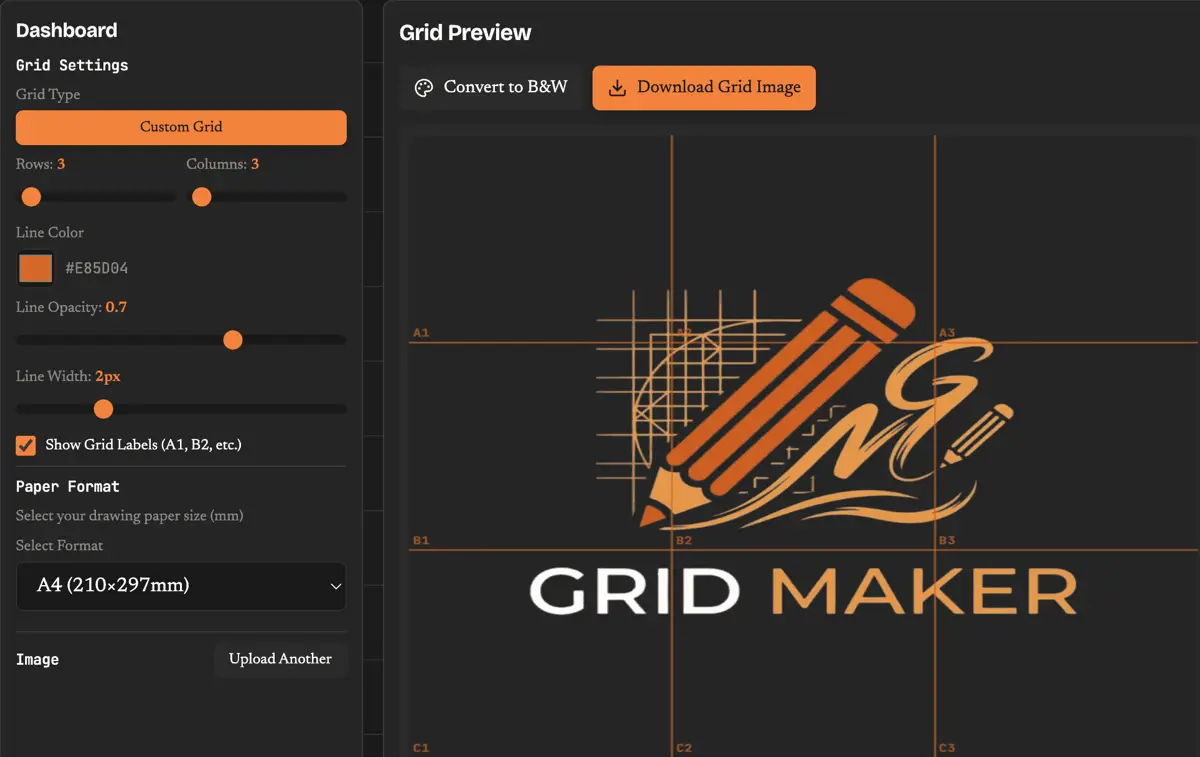
Free online grid maker interface showing a portrait reference with customizable drawing grid overlay

Interactive grid maker

Why Artists Choose Our Grid Maker

This drawing tool keeps the classic grid method simple, fast, and practical for artists working from photo references.

Pro Drawing Grids

Adjust grid density from 2x2 for quick sketches to 26x26 for detailed portraits. Perfect for mastering proportions.

Labeled Grid Squares

Turn on labels like A1 and B2 to match each grid square between the reference and your paper.

Grayscale Value Study

Convert the image to grayscale so the tool can support value studies before you add color.

Scale to Any Paper

Match A4, A3, or Letter sizes. Our grid maker calculates the exact dimensions for your physical drawing surface.

Customizable Line Style

Adjust line color, thickness, and opacity so the overlay stays readable on any reference image.

100% Browser-Based Privacy

This tool runs locally in your browser, so your images stay on your device.

How to Use the Grid Maker: Step-by-Step Guide

Use the tool in four simple steps to turn a reference image into a clean drawing guide.

01

Step 1: Upload Your Reference Image

Upload any photo. JPG, PNG, GIF, and WebP are supported, and the image stays on your device.

02

Step 2: Configure Your Drawing Grid

Choose the number of rows and columns, then tune the overlay lines to suit the reference.

03

Step 3: Match Your Drawing Surface

Pick a paper size and let the tool match the spacing for your drawing surface.

04

Step 4: Draw Square by Square

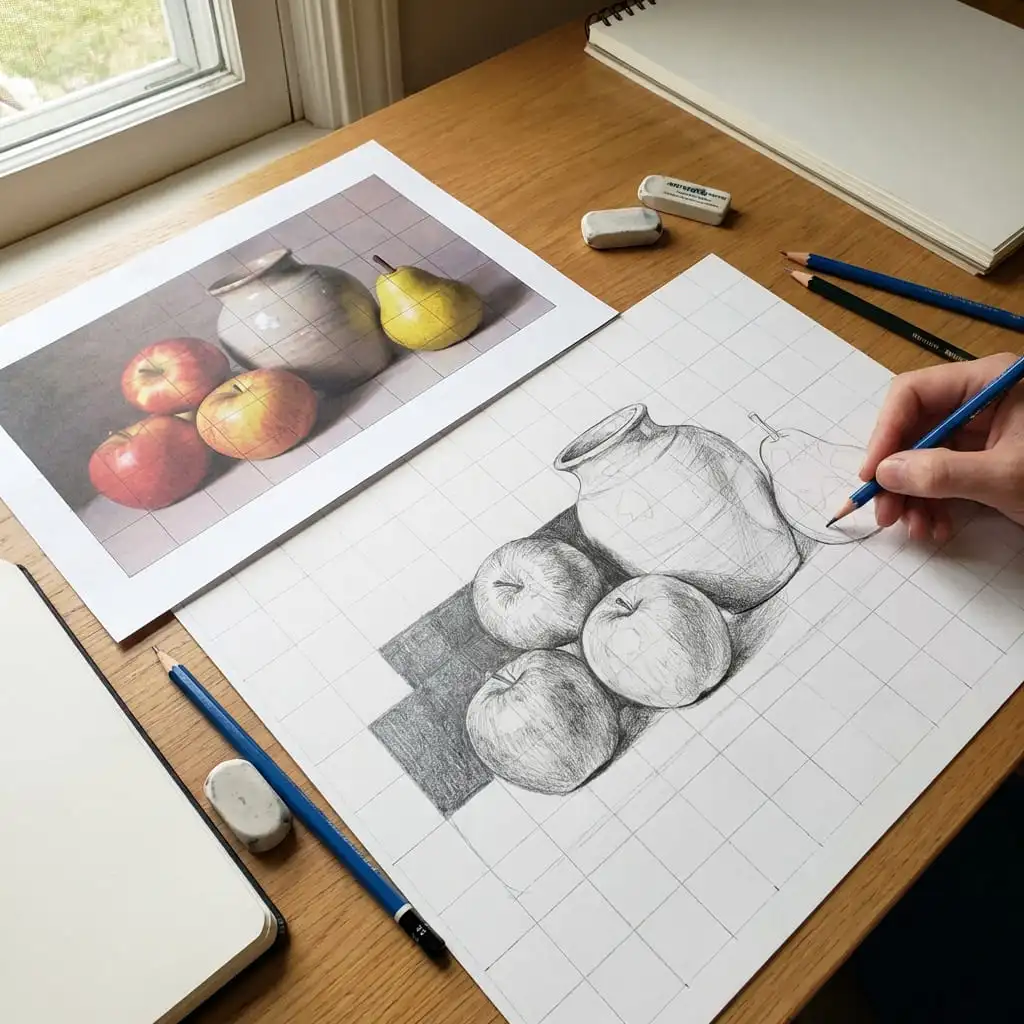
Draw one square at a time so the method helps you hold proportions across the whole image.

A Professional Tool for Drawing, Not Just a Grid Maker

A short guide to why artists use this method, when it works best, and how to keep proportions under control.

01

Designed for Artists, Not Social Media

Unlike common Instagram grid makers or photo collage apps, this tool is built for artists who need precise control over proportions, grayscale reference, and scaling for physical sketching.

Read our complete guide to grid drawing
02

When This Method Helps Most

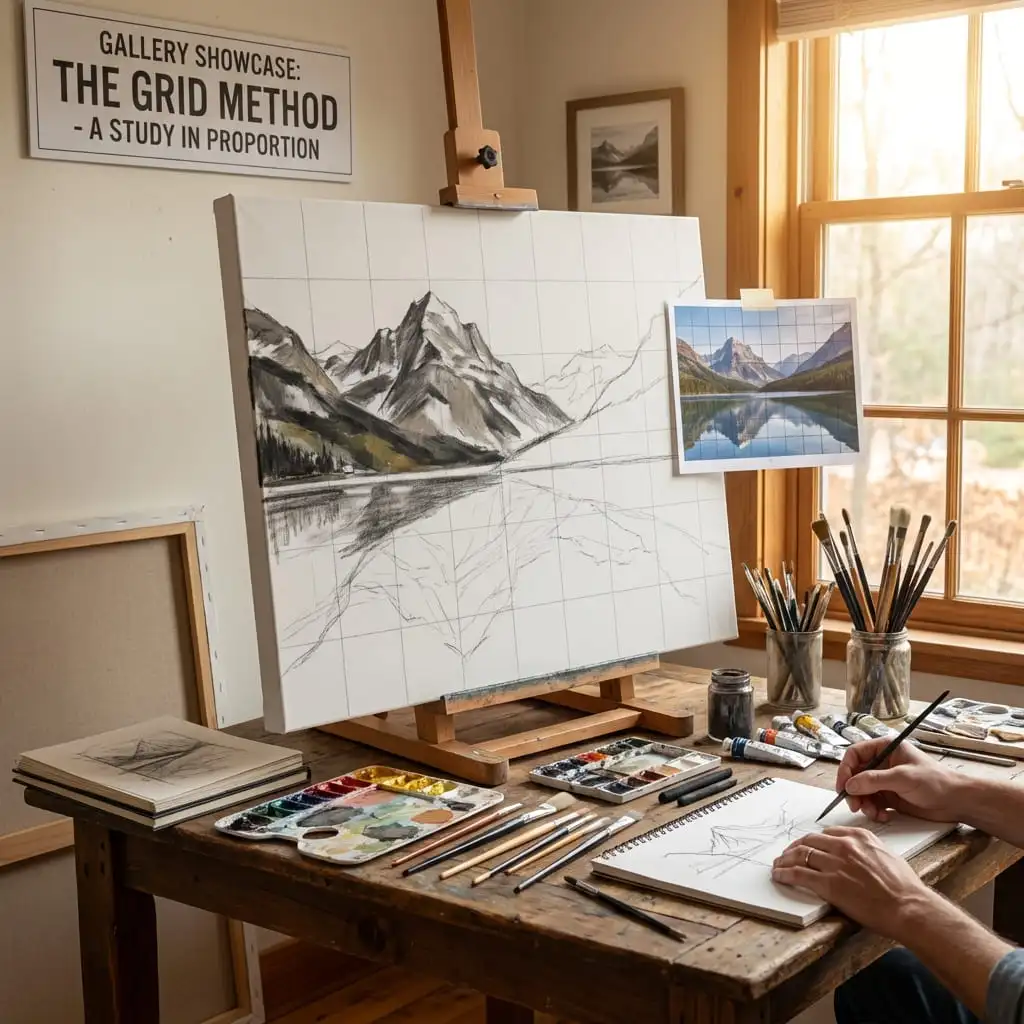
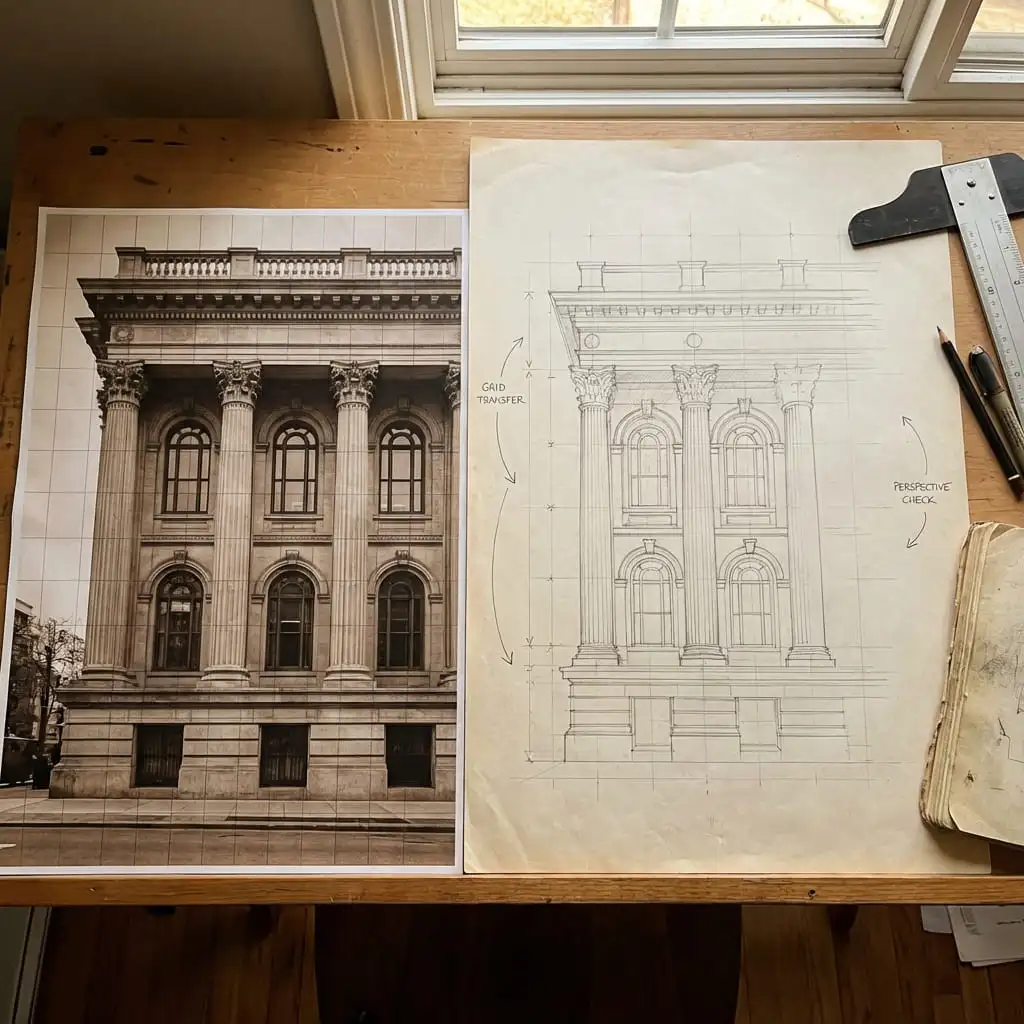
This approach is most useful when accuracy matters more than speed. Portraits are the obvious example because small feature errors quickly break the likeness. The same workflow also helps with still life, wildlife, architecture, and mural transfer. If you need to scale a small image up to a larger surface, the structure stays stable from start to finish.

Learn how to scale artwork with grids
03

Using the Method for Portrait Drawing

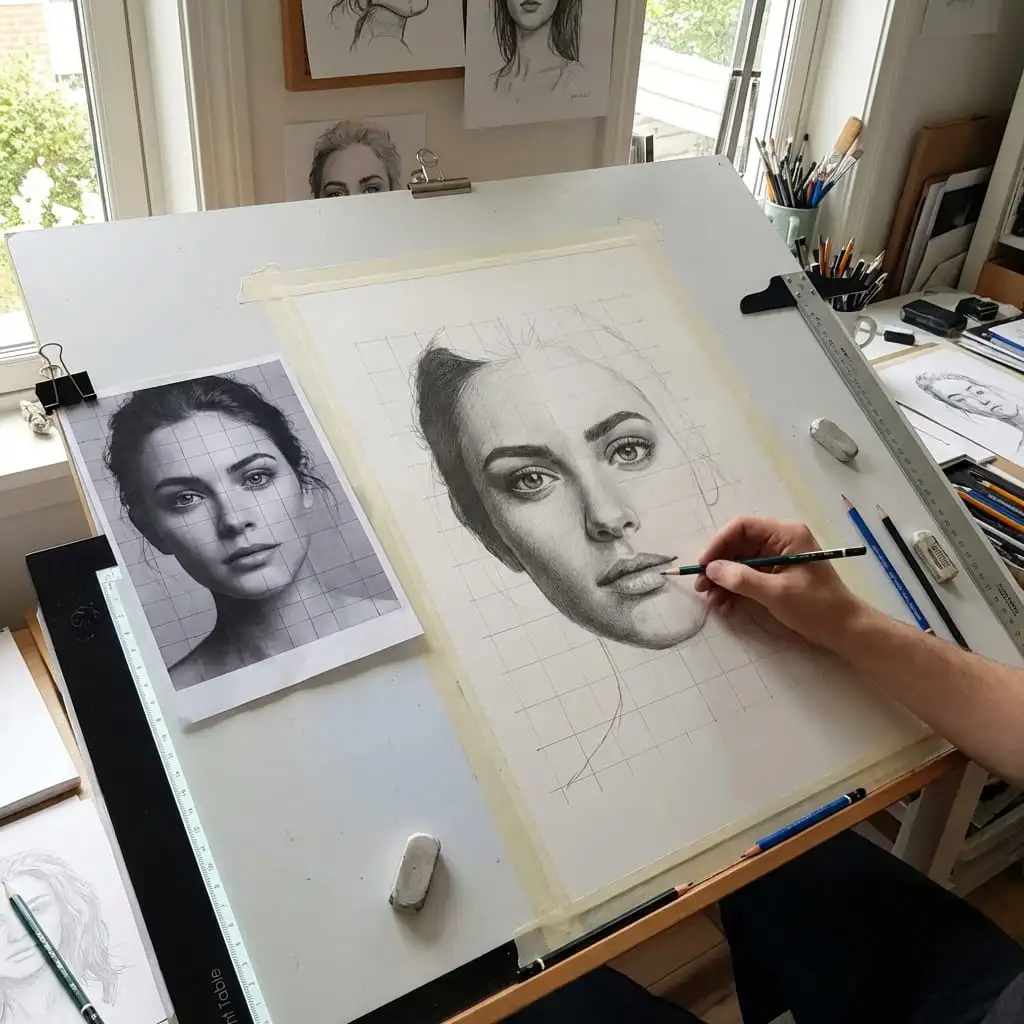
For portrait work, the overlay helps you place the eyes, nose, mouth, hairline, and jaw with less guesswork. Many artists start with a medium-density grid so the face has enough structure without becoming cluttered. The method becomes even more useful when you switch the reference to grayscale, because values are easier to compare square by square before shading and blending begin.

Portrait drawing with the grid method
04

What Makes This Tool Different

Many search results for grid maker lead to collage apps or Instagram splitters. This tool is built for drawing. It focuses on rows, columns, printable proportions, grayscale reference prep, and privacy. Because it runs in the browser, artists can work with client photos, studies, and personal references without uploading images to a third-party service.

Learn the fundamentals behind artist-focused grid drawing

A Tool Built for Artists

Simple, focused, and designed to do one thing well — help you draw with better accuracy using the grid method.

Privacy First Images never uploaded

Privacy First

Images never uploaded

Always Free No hidden costs ever

Always Free

No hidden costs ever

No Account Start creating immediately

No Account

Start creating immediately

Drawing Grid FAQ

Answers to common questions about using this tool for drawing projects.

What is a grid maker and how does it help with drawing?

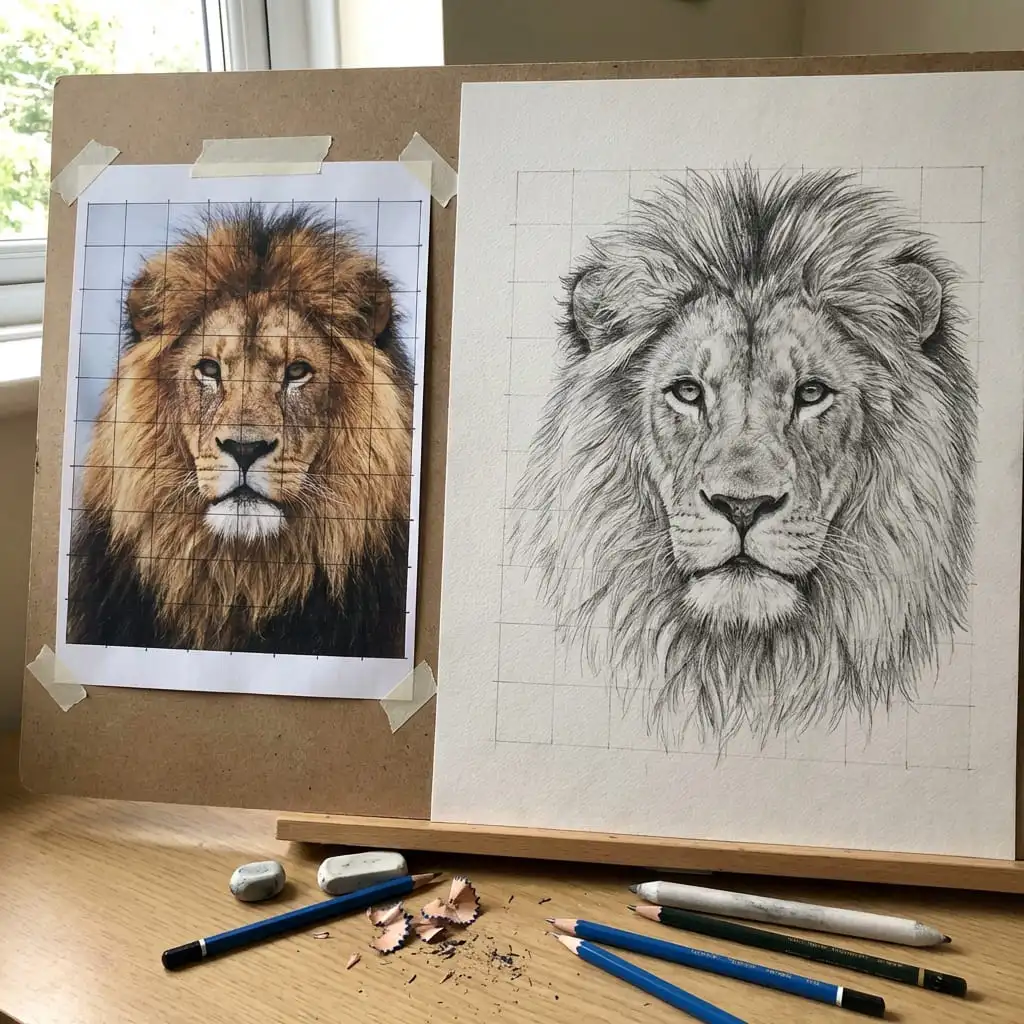
A grid maker is a tool that overlays a grid of equally-spaced lines on your reference image. This divides the image into smaller sections, making it easier to accurately copy proportions to your drawing surface. By focusing on one square at a time, you can achieve more accurate results than trying to draw the entire subject at once. Artists have used this technique for centuries — it's how many Renaissance masters transferred their sketches to large canvases.


Is this grid maker really free to use?

Yes, completely free with no catches. There's no premium tier, no watermarks, no limits on how many grids you create. We built this grid maker because we believe every artist should have access to professional drawing tools without barriers.


What happens to my images when I use the grid maker?

Your images never leave your device. Unlike other online tools, our grid maker processes everything locally in your browser. We don't upload, store, or have access to your photos. When you close the browser tab, your images are gone from memory. This is intentional — artist privacy matters.


How do I choose the right grid size?

It depends on your subject complexity and desired accuracy. For simple compositions, start with 3×3 or 4×4. For portraits with important proportions, try 6×8 or 8×10. For photorealistic work with fine details, you might use 12×12 or higher. The grid maker lets you experiment with different configurations until you find what works.


Can I use the grid maker for digital art?

Absolutely! Download your gridded reference as a PNG and import it into Photoshop, Procreate, Clip Studio Paint, or any digital art software. The grid maker works equally well for traditional and digital artists.


What paper formats does the grid maker support?

We support A2, A3, A4, A5, Letter, Legal, and custom dimensions. When you select a format, the grid maker calculates the exact spacing for drawing a matching grid on your physical paper or canvas.


Ready to Improve Your Drawing Accuracy?

Join thousands of artists using the grid maker method to achieve better proportions. This grid maker is ready the moment you upload an image.