
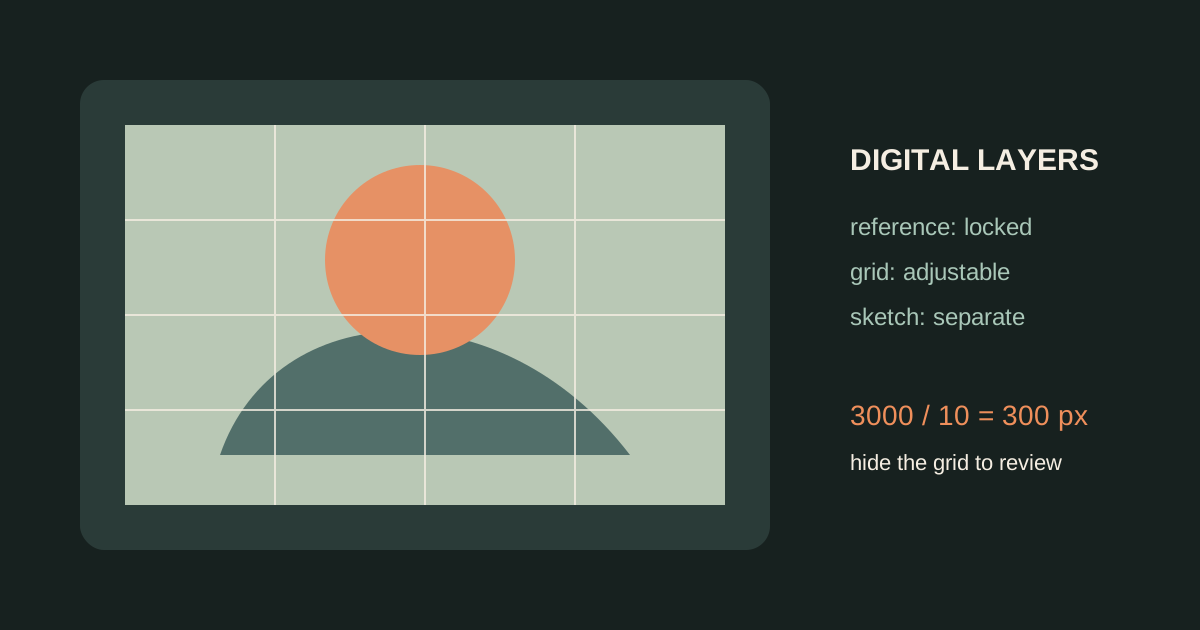
The grid method works on a tablet or computer for the same reason it works on paper: it gives you fixed landmarks while you translate a reference into a new surface. The important difference in digital art is layer control. Keep the reference, grid, sketch, and final marks separate so you can inspect the drawing instead of painting over the evidence.
Set up the digital canvas first
Create the final canvas at the size and ratio you actually need. If the final artwork is 3000 x 4000 pixels, do not place a 4:3 reference into a 3:4 canvas without deciding how it will crop. A correct grid cannot repair a wrong canvas ratio.
Use Grid Maker to prepare the reference, then import the gridded copy into your drawing app. The grid is a guide layer, not part of the final artwork.
A clean layer workflow
1. Keep an untouched reference layer
Lock the original image and duplicate it before making adjustments. One copy can remain in color, while another can be converted to grayscale for value checking.
2. Put the grid above the reference
The grid should be visible enough to locate a feature but transparent enough to see the contour underneath. If the line is too dark, reduce opacity rather than compensating with a brighter reference.
3. Draw a separate construction layer
Use a light brush to place the outer shape and major landmarks. Avoid painting directly on the reference layer. You should be able to hide the reference and grid to evaluate whether the construction drawing stands on its own.
4. Check the canvas ratio with a calculation
For a 3000 x 4000 canvas with a 10x10 grid:
3000 / 10 = 300 pixels per column
4000 / 10 = 400 pixels per row
These are rectangular cells because the canvas is 3:4. That is fine if the reference uses the same ratio. If you need square cells, use a 10x13 or 15x20 count only when the crop and cell boundaries remain easy to work with.
5. Hide the grid before rendering
When the main proportions are stable, turn off the grid and compare the silhouette, negative space, and large value shapes. Turn it back on only when a local feature needs a position check.
Digital-specific mistakes
- Zooming in so far that you lose the composition.
- Transforming the reference layer without transforming the grid with it.
- Flattening the reference, grid, and drawing before the proportions are checked.
- Relying on a symmetry tool when the reference is intentionally asymmetrical.
- Rendering details before the head, object, or architecture is correctly placed.
From screen to physical paper
If the digital drawing will become a painting or print, calculate the physical cell size too. A 30 cm wide canvas with 10 columns gives 3 cm per cell. Use the same row and column count on the printed reference, then draw 3 cm intervals on the canvas. Pixel dimensions and physical dimensions are different measurements, but the grid count keeps the coordinates aligned.
Related guides
- Add a grid to a photo online before importing the reference.
- How to choose a grid size for a tablet canvas.
- Scale artwork with the grid method when moving from a small screen reference to a large surface.
Digital tools make the grid easier to hide, duplicate, and revise. They do not remove the need to observe the reference. Keep the grid temporary and let the final drawing work without it.